Refine a client document
- Request
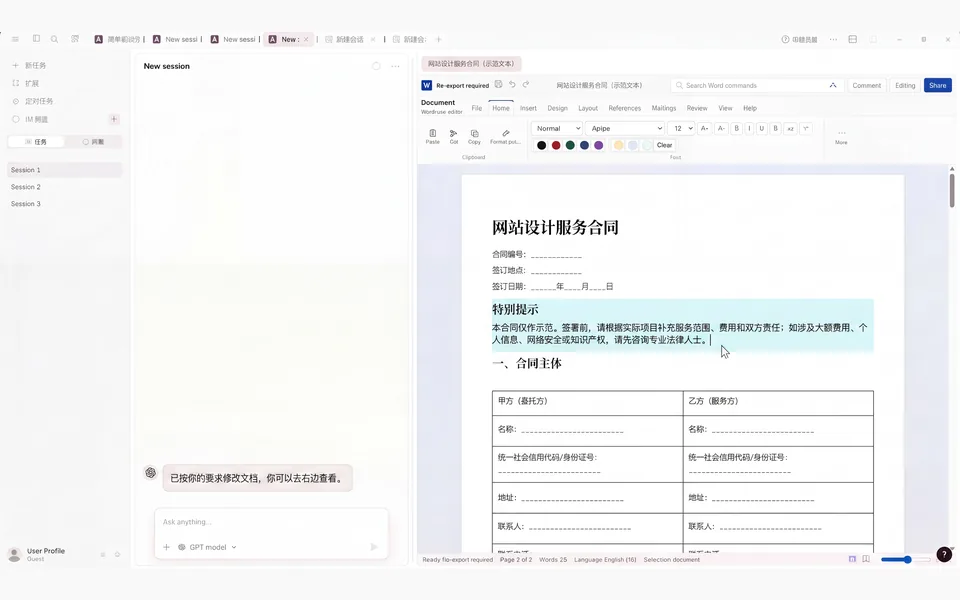
- Select the project overview and make it easier for a client to scan.
- Action
- Keep the facts and structure while rewriting the selected passage.
- Result
- A clearer project document you can keep editing.
AI that edits Word documents, Excel workbooks, and PowerPoint presentations
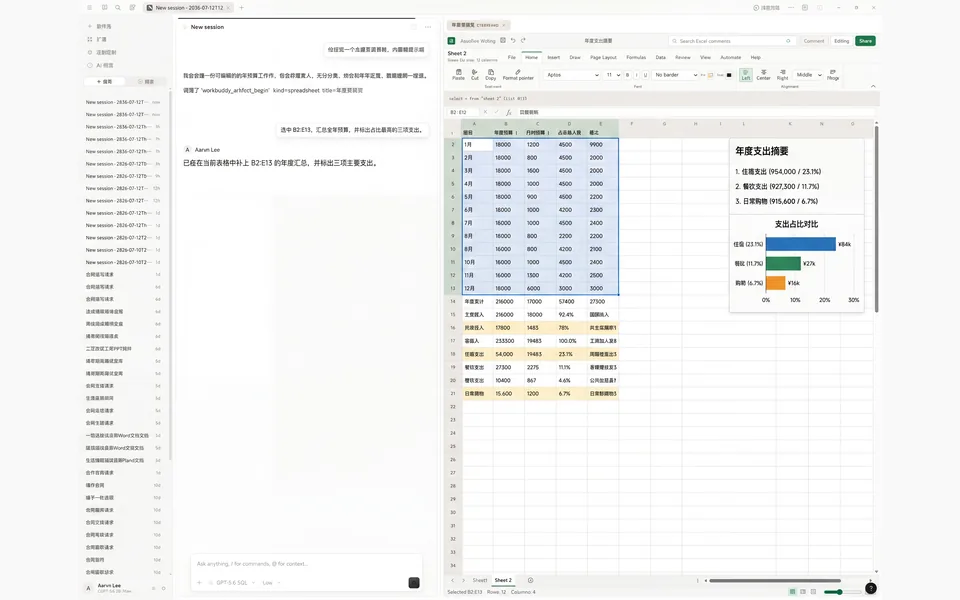
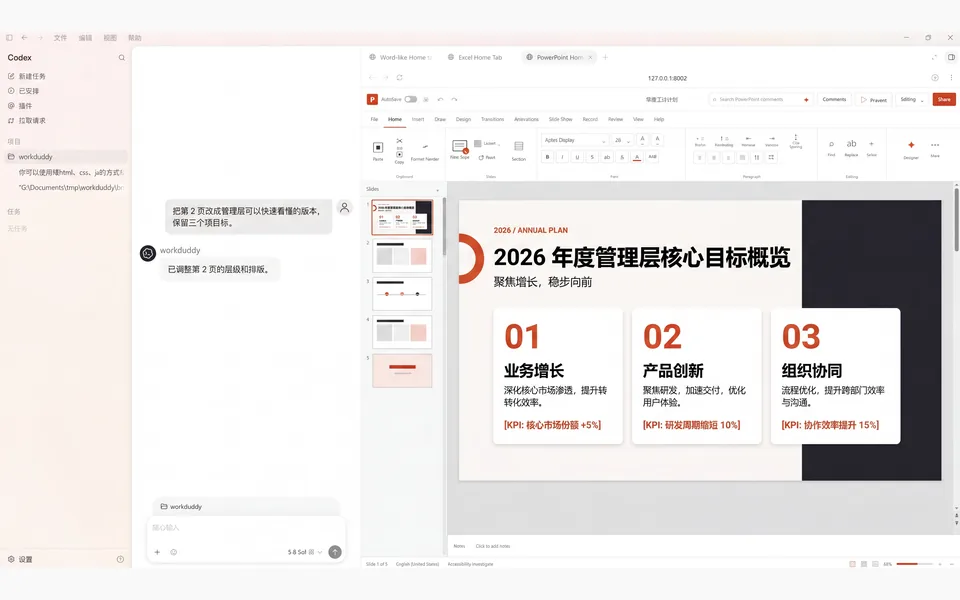
Select a paragraph, cell range, chart, or slide. Buddy edits it in place, so you can review the result, change it yourself, or ask for the next edit.
Keep going from the current file
No need to upload the file again or explain what changed. Your next request starts from the version in front of you.
Work in the file you already have
Select the content, say what should be different, and review the change in place. You can take over and edit it yourself at any time.
Open the Word document, Excel workbook, or PowerPoint presentation you are already working on.
Select a paragraph, a group of cells, a chart, or a few slides before you describe the result.
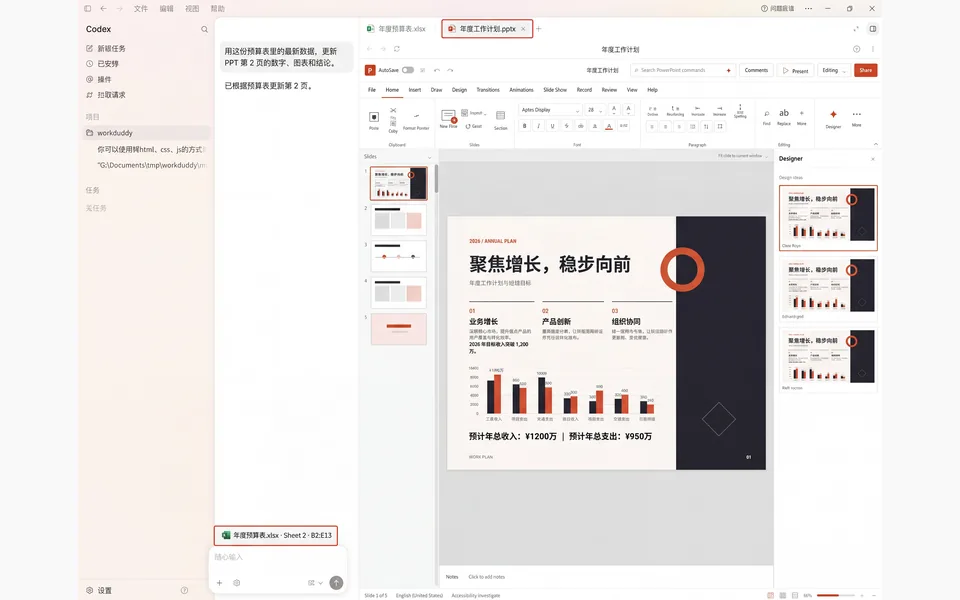
The result appears where it belongs in the original file—not as text you still need to copy from chat.
Make your own changes, then ask Buddy to pick up from the file as it stands.
Common office tasks
Each example starts with a concrete request and ends with an editable Word, Excel, or PowerPoint file.
Not another answer in chat
Select the exact target, describe the result, and review the edit where it belongs. You can revise, undo, or stop at any time.
Reference the whole file or select a paragraph, a cell range, a chart, or a few slides.
The change lands in the active Word document, Excel workbook, or PowerPoint presentation—not in a separate answer you still have to move.
Pause, revise, or undo the result. When you ask for another change, Buddy starts from the file you have now.
Files, permissions, and format limits
You choose the files Buddy can work with. When a request needs AI generation, Buddy sends the prompt and relevant file content to the AI service you configured. Complex formats still need careful review.
You decide which files to open, which content to reference, and what Buddy should change.
Pause the task, undo a change, adjust the result yourself, and decide when the file is ready to save.
Complex Word layouts, financial models, and advanced PowerPoint animation still need careful review. Support is described by format, so you know where to check the result closely.
Common questions
Buddy edits the selected content in the existing file and keeps the surrounding structure where possible. Complex Word layouts, financial models, and advanced PowerPoint animation still need a careful review.
Download the Windows app, sign in, and connect the AI service you use. Then open a file and start with the change you need.